Features
Built around the way LTI counters actually print.
LTI Capture isn’t a generic serial-port logger. It parses the actual byte-level dialect of every LTI counter, recognizes report boundaries semantically, names files intelligently, and ships with workflow features that didn’t exist in the paper era.
Capture
Definitive instrument identification
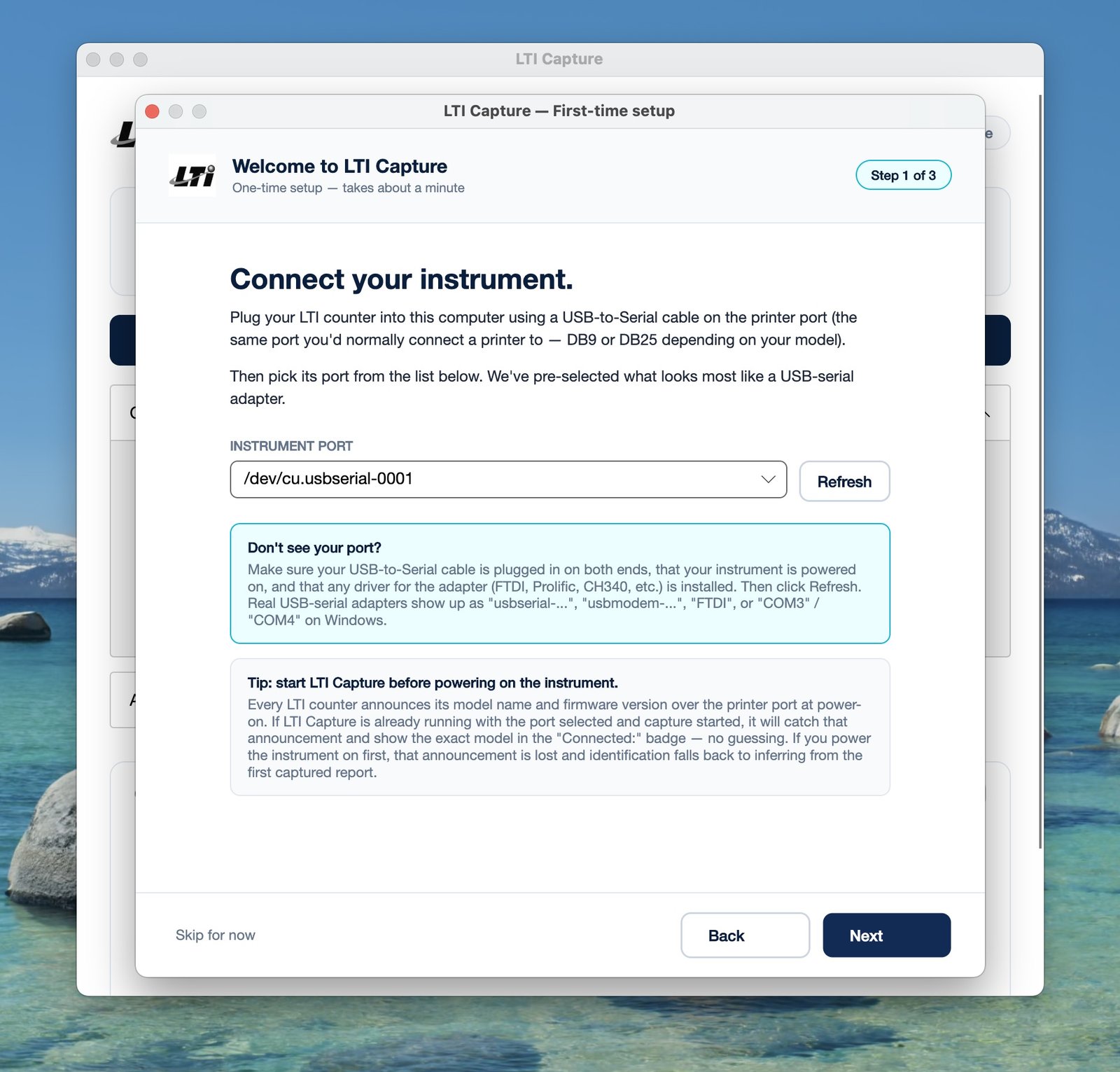
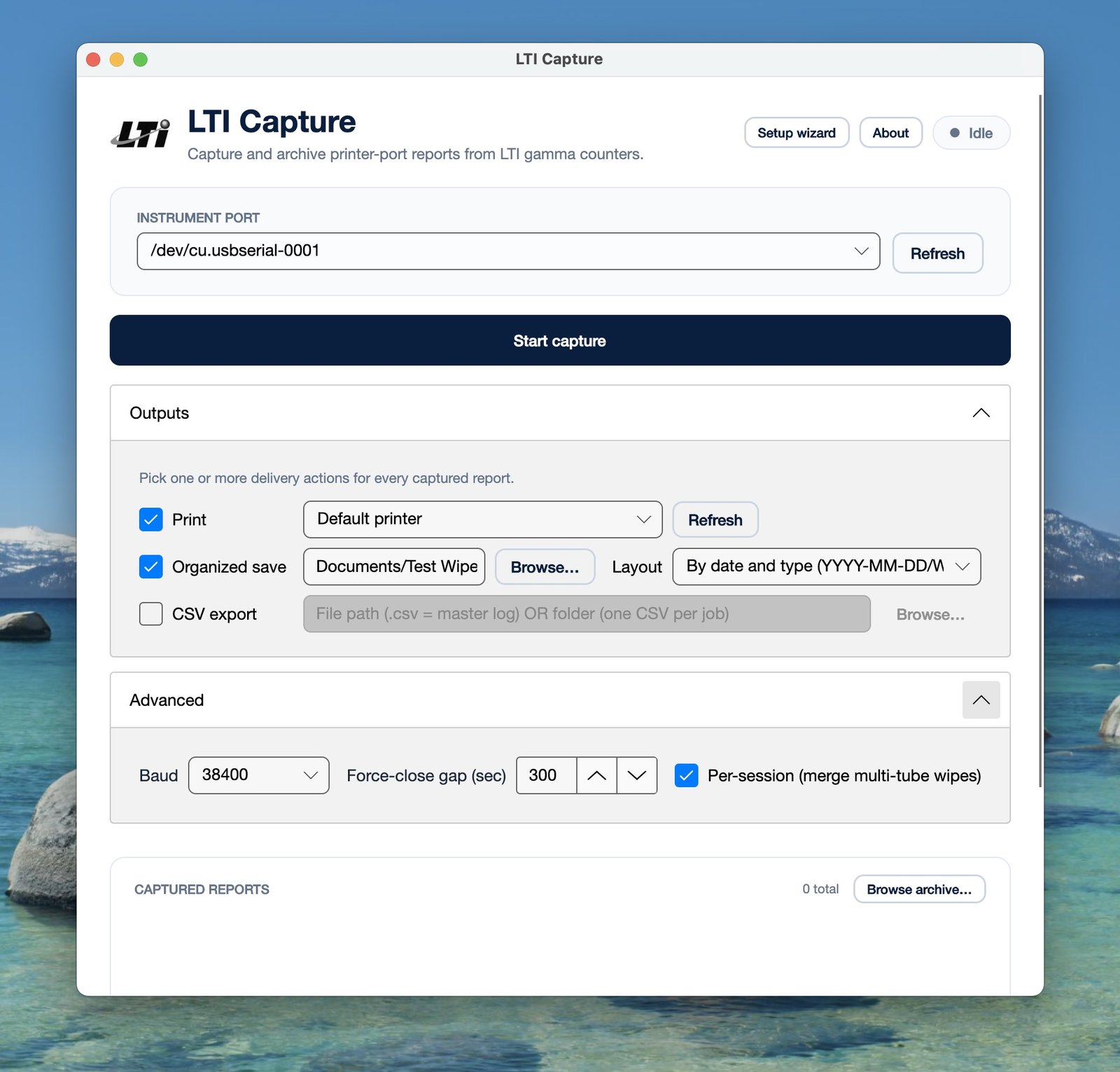
Every LTI counter announces its model and firmware version over the printer port at power-on. LTI Capture detects this announcement, strips it from the byte stream so it doesn’t accidentally appear in the first captured report, and shows the identified model in the UI. Tip: start LTI Capture before powering on the instrument so this self-identification always fires.
Capture
Report recognition — not just print-job capture
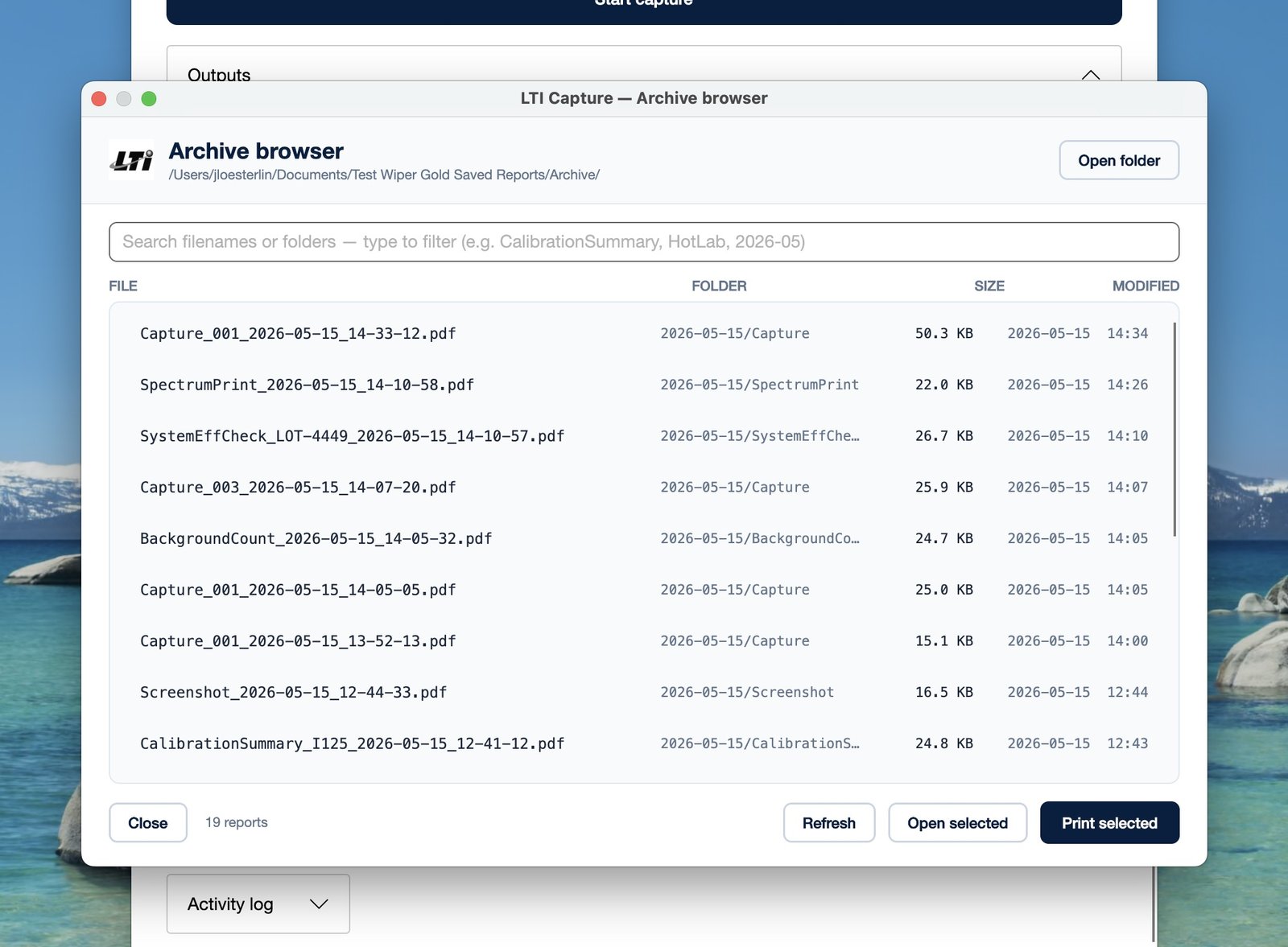
LTI Capture parses the instrument’s actual ESC/P dialect and runs an op-based recognizer derived from reading the firmware source code itself. Each printed report is recognized as a distinct logical document and named with full context — WipeTest_HotLab_W01-W08_2026-05-14_14-23-07.pdf, CalibrationSummary_I125_2026-05-14_09-15-22.pdf, SystemEffCheck_LOT-4449_2026-05-14_10-10-57.pdf. Multi-tube sessions merge automatically. Spectrum prints, daily QC, background counts, assay protocol summaries, curve fits, unknown-tube tables, controls/references/standards — all recognized natively.
Capture
Adaptive close timing
A multi-tube wipe test or multi-sample CPM session can take minutes — finish a tube, print, finish the next, print. LTI Capture reads the COUNT TIME field from the report and uses an adaptive wait-time formula before declaring the session complete: a 30-second count is wrapped up ~60 seconds after the last byte; a 5-minute count gets the full safety margin.
Capture
C-button instant flush
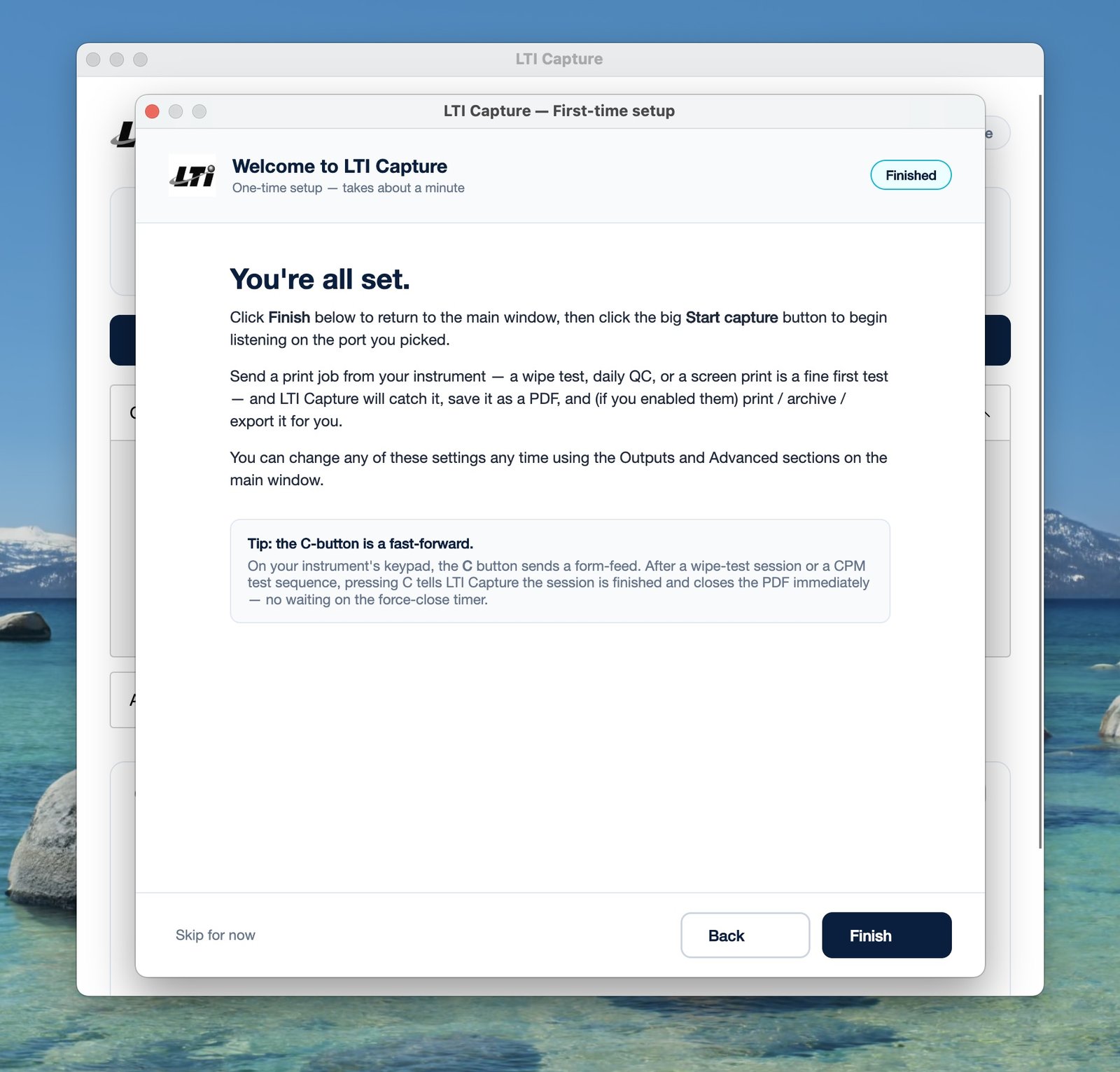
Want to close out a session immediately? Press the C key on the instrument’s keypad. LTI Capture treats the form-feed character it sends as “session complete” and the PDF lands within a second.
Capture
Automatic USB reconnect
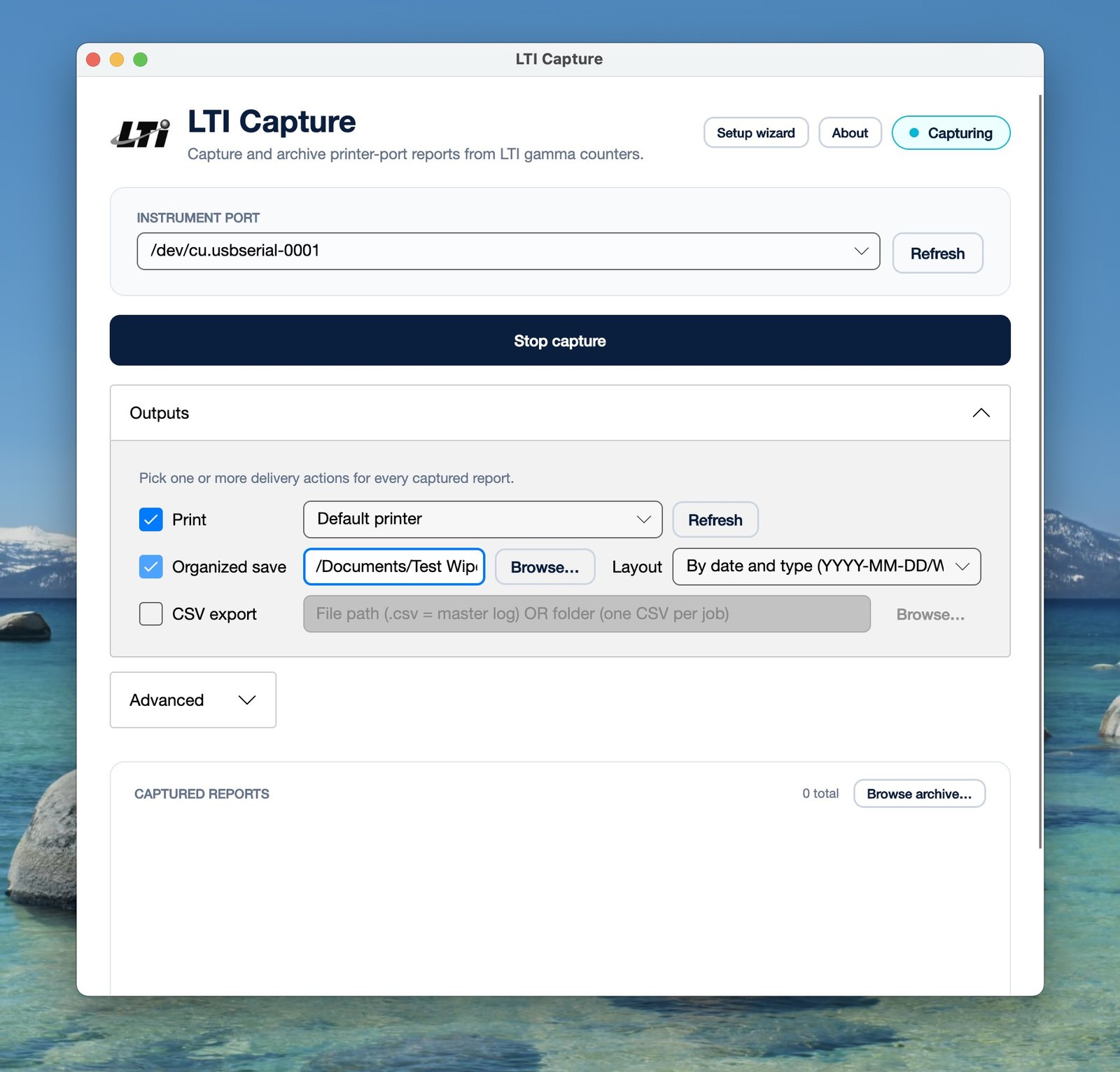
If the USB-to-Serial cable gets bumped, the OS suspends the port, or the instrument is power-cycled mid-session, LTI Capture doesn’t terminate the capture. It logs the loss, retries on a backoff schedule (1 s, 2 s, 5 s, 10 s), and resumes transparently when the port comes back. The user never has to notice or restart anything.
Output
Print to any printer the OS can see
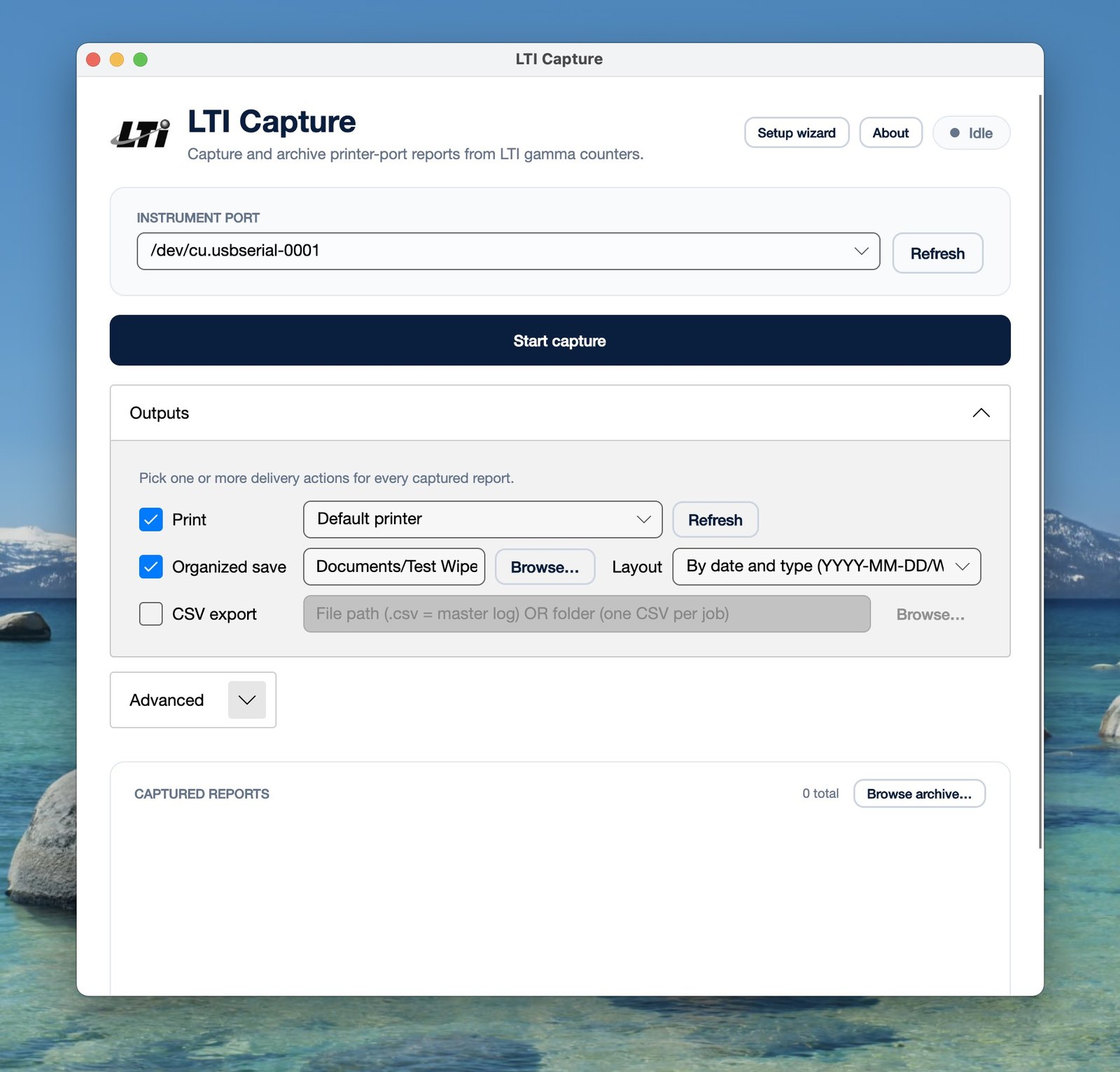
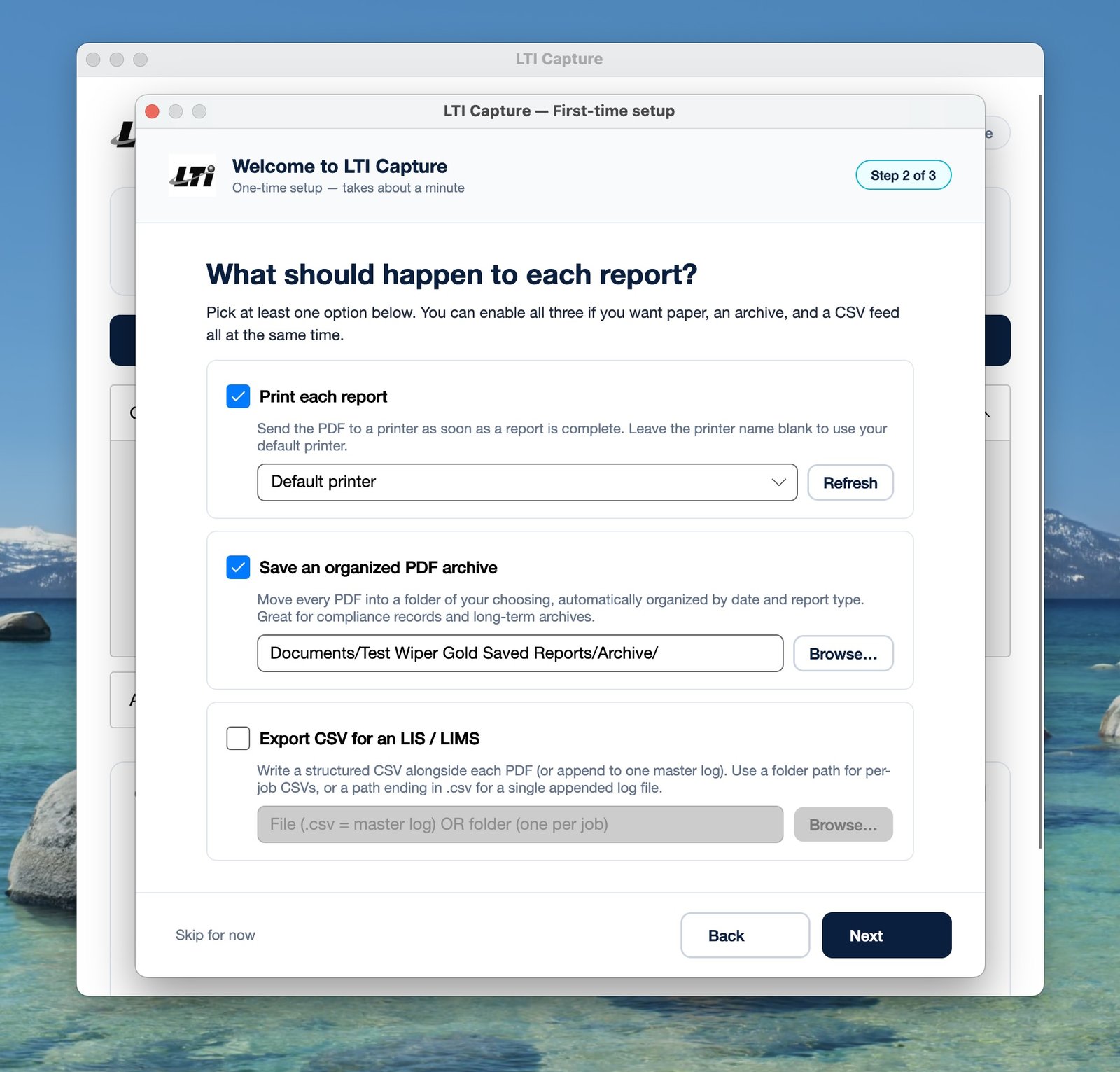
Default printer, named printer, or pick one per session. macOS, Windows, and Linux all use their native print stacks — network printers, local USB printers, AirPrint, IPP — anything the OS supports, LTI Capture supports. No printer-driver friction.
Output
Organized PDF archive
Copy every captured PDF into a folder structure of your choosing: by date (2026-05-14/...), by report type (WipeTest/, CalibrationSummary/, DailyQC/), or by date and type (default). Built-in archive browser lets you search any of those organized folders by filename or date fragment, open in your default PDF viewer, or re-print one or many to your office printer.
Output
CSV export for LIS / LIMS
For laboratories with an information system or any kind of database integration. Master-log mode appends one row per captured report to a single CSV. Per-job mode writes a CSV file alongside each PDF. Patient data, wipe-test results, calibration logs — all flow into your LIS without manual transcription.
Compliance
Supervisor-review (Flag) workflow
New in v1.0. The technician flags a suspicious capture; a red banner appears across the LTI Capture window; the supervisor walks over, clicks the banner, reviews the PDF, picks a decision (Authorize / Re-run the wipe test / Other) and adds notes. LTI Capture appends a Flag and Resolution Record page to the PDF itself. The audit trail travels with the document — into the compliance binder, into the regulatory archive, into the QA review six months later.
Compliance
Organizational watermark on every PDF
Every captured page carries an unobtrusive footer: “Licensed to [Your Organization]” on activated copies; a larger red “UNLICENSED COPY — Not for Regulatory or Audit Use” watermark on any copy that hasn’t been registered against an order. The PDF identifies its own provenance.
Compliance
No phone-home, no telemetry
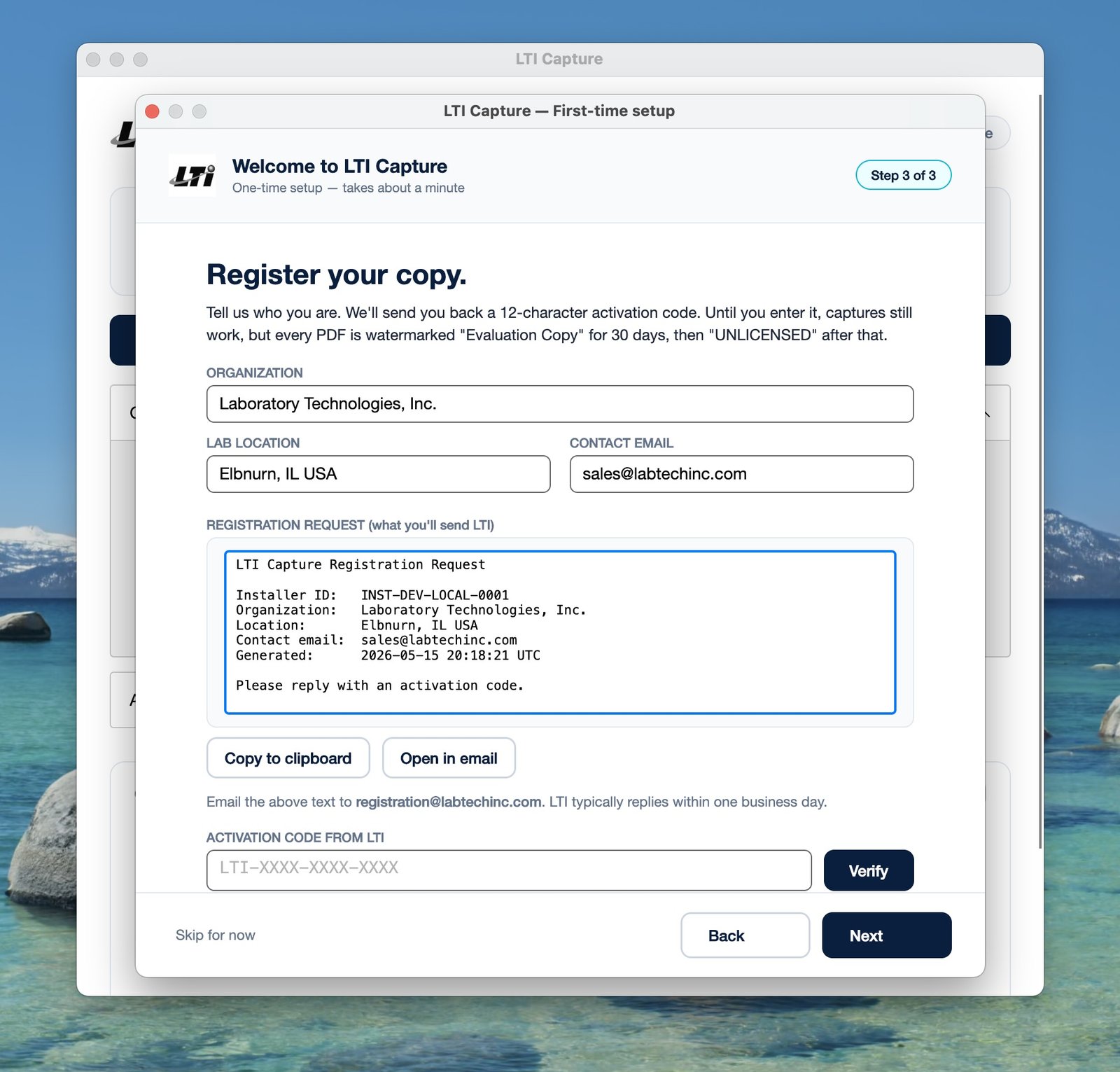
LTI Capture does not communicate over the network. Activation is a plain-text email exchange the customer can audit line by line. Once activated, the application runs entirely offline. Hospital IT can answer “does this software phone home?” with a clean no.
Roadmap
Chain-of-custody hooks (forward-compatible)
v1.0 includes detection hooks for upcoming firmware-side capabilities: LTI-OPERATOR: stamps the logged-in technologist on every PDF footer; LTI-FLAG: auto-flags a report from the instrument keypad; LTI-ADMINS: populates the supervisor dropdown from the instrument’s user list; LTI-REPORT-TYPE: classifies bitmap-only reports. When the firmware ships, LTI Capture picks them up automatically — no software update required on the customer side.
Operations
Built-in diagnostics
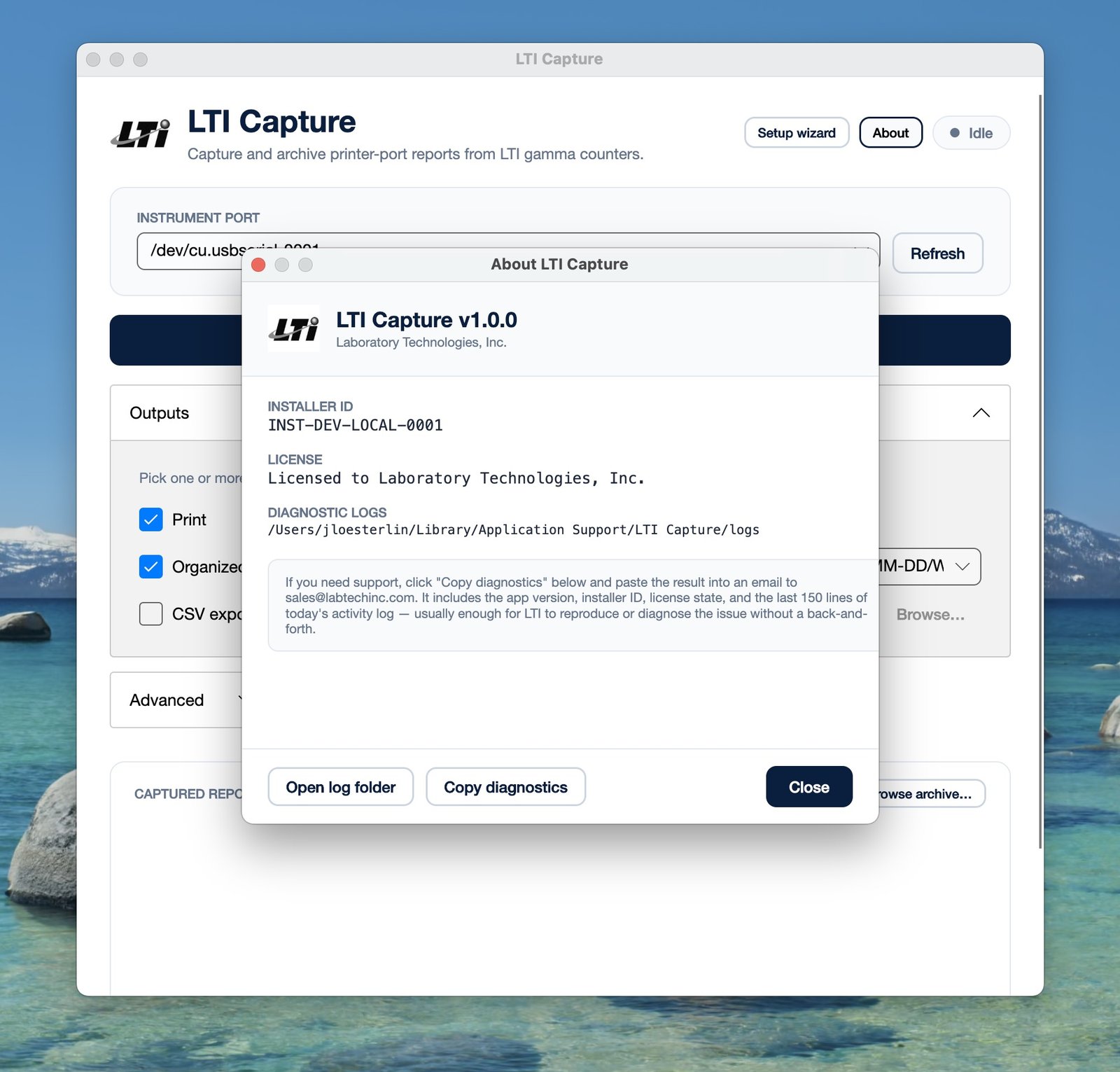
Click About in the header to see the installer ID, license state, OS version, and diagnostic-log location. The Copy diagnostics button puts a structured bundle (version, license, last 150 lines of today’s activity log) on the clipboard — ready to paste into a support email. LTI sees exactly what the app saw.